
Google Slides Co-Presenter: 2 Ways to Share Control
Learn how to add a co-presenter in Google Slides — via Google Meet (paid) or copresent.app (free, no account). Includes step-by-step setup and a side-by-side comparison.
Read More
Tips, tutorials, and deep dives into making your next delivery flawless.
Learn how to add a co-presenter in Google Slides — via Google Meet (paid) or copresent.app (free, no account). Includes step-by-step setup and a side-by-side comparison.

Learn how to co-present in Google Slides: sync speaker notes, share slide control, apply the 5-5-5 rule, and present from your phone — free.
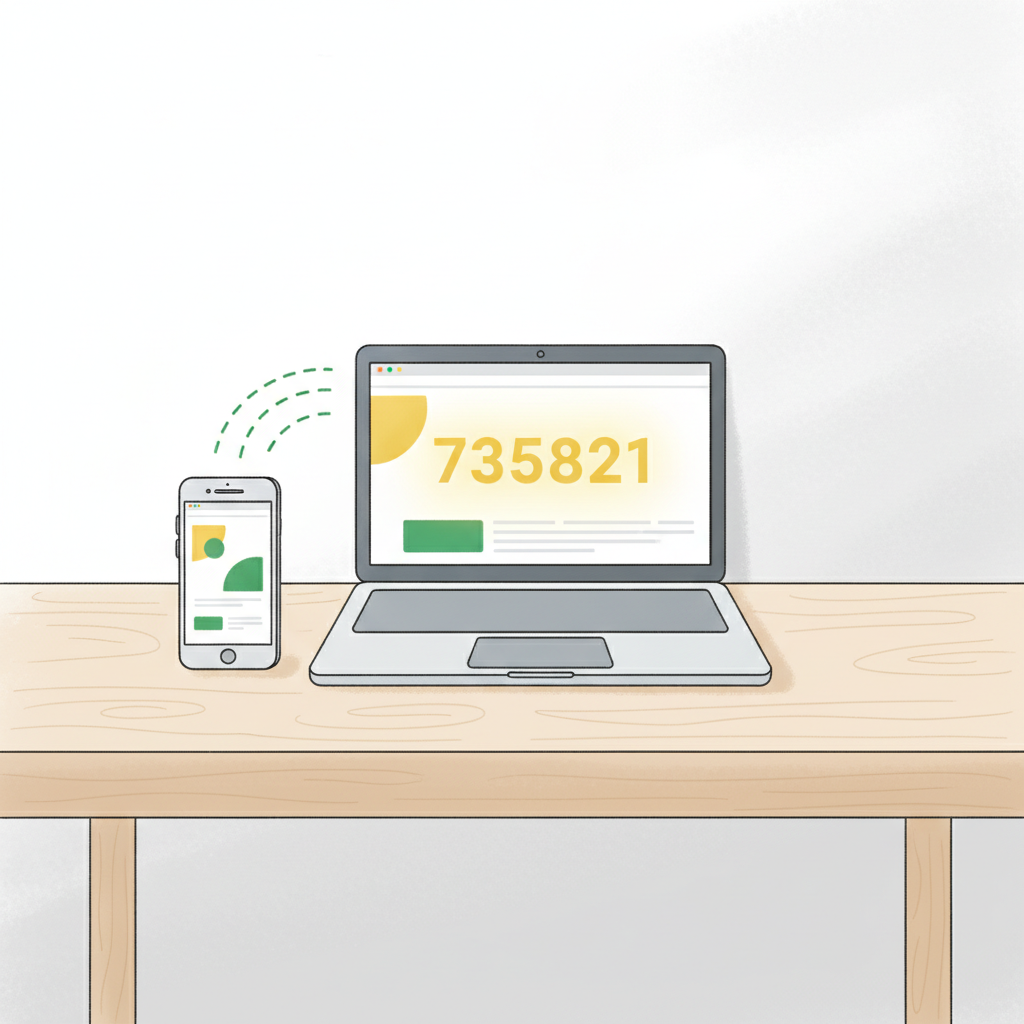
Turn your phone into a Google Slides remote in 2 minutes — no app, no hardware, no account. Free Chrome extension with co-presenter support & synced speaker notes.

Turn your phone into a Google Slides remote in under 2 minutes — no app, no account. Supports up to 10 co-presenters with live speaker notes sync.